
Tutorial · Signing
How to sign a document in PaginaScan
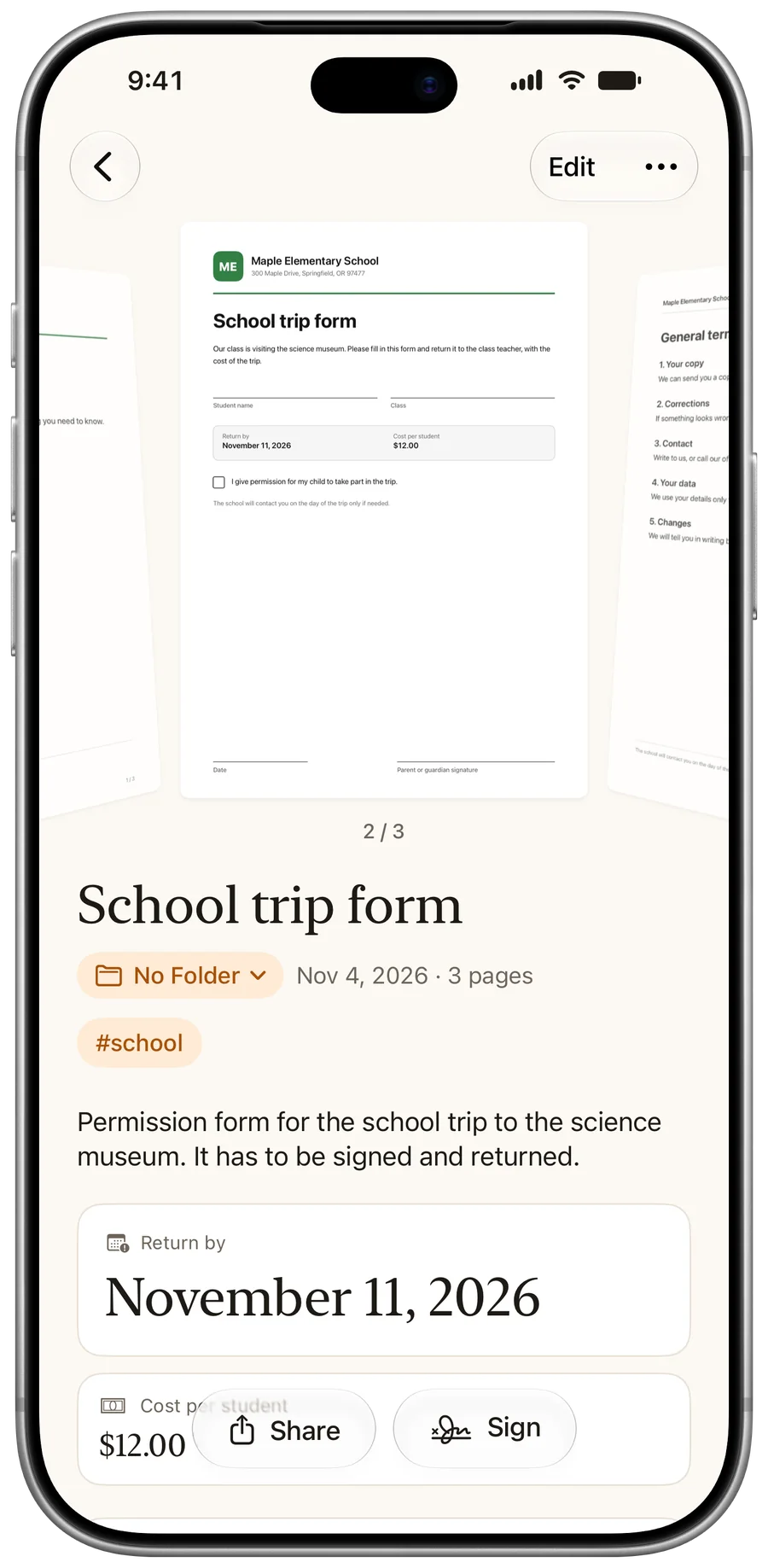
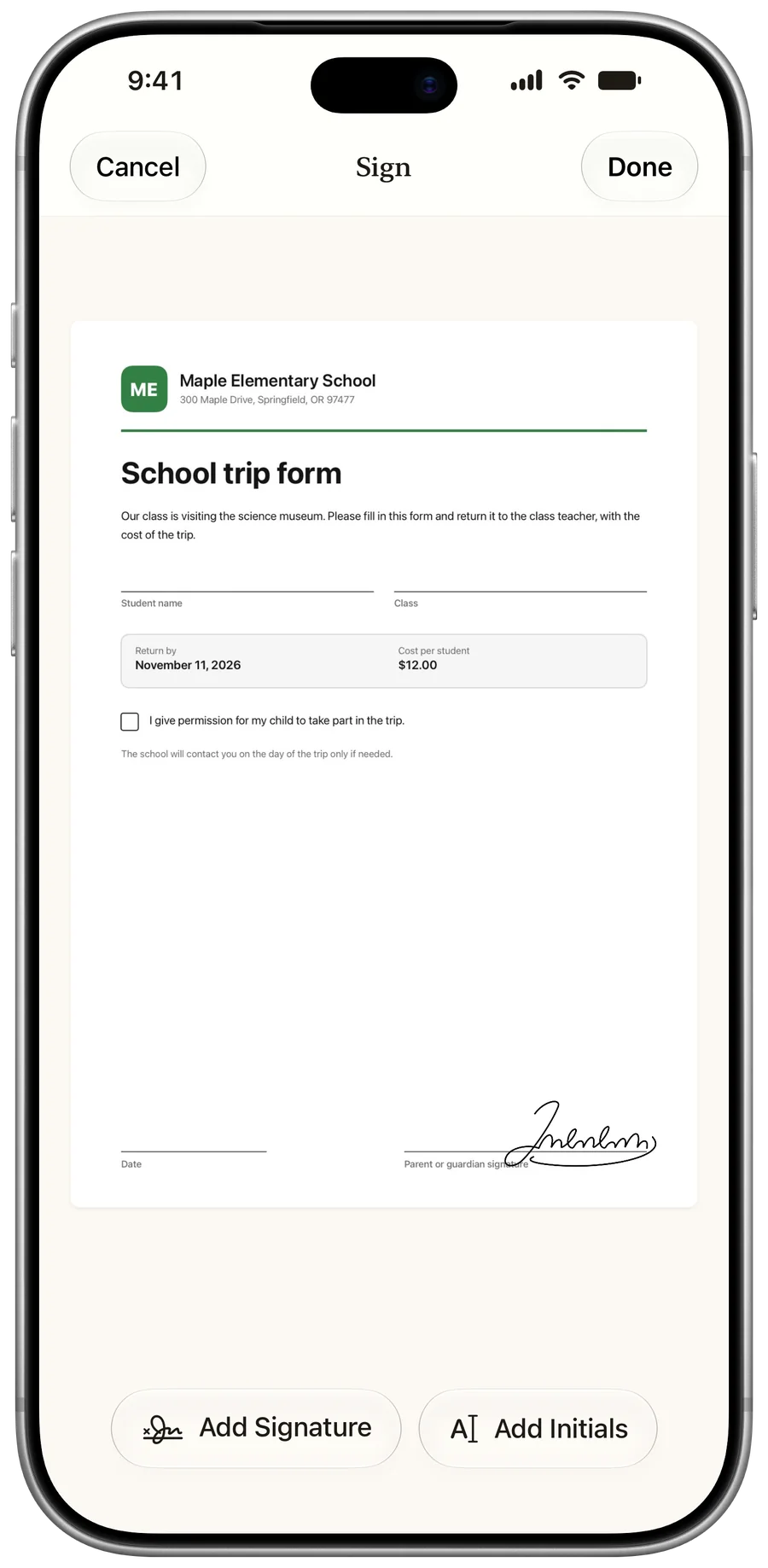
Open a document, tap Sign, tap Add Signature, then drag and pinch it into place and tap Done. The signature is printed into the PDF when you share it. Signing is part of PaginaScan Pro.
- PaginaScan Pro
- iPhone or iPad
- Finger or Apple Pencil
Open the document
Scan one, or pick it from your library. Sign sits in the bottom bar, beside Share.
Add your signature
Tap Add Signature or Add Initials. Drag it into place and pinch to resize it.
Share the signed PDF
Tap Share. The signature is printed into the PDF as it leaves the app.
Good to know
The copy in your library stays editable. Move or remove the signature any time.
Questions
Can I add my initials?
Yes. Each saved signature comes with its initials, drawn or typed.
Where are my signatures stored?
On your device. They go to your own iCloud and backups only if you turn that on in the Signature settings, and they are never part of a shared folder.
Is it a digital signature?
No. It's a drawn signature, placed on the page as an image. It isn't a certified digital signature.
More tutorials
Last updated: