The gist, at a glance
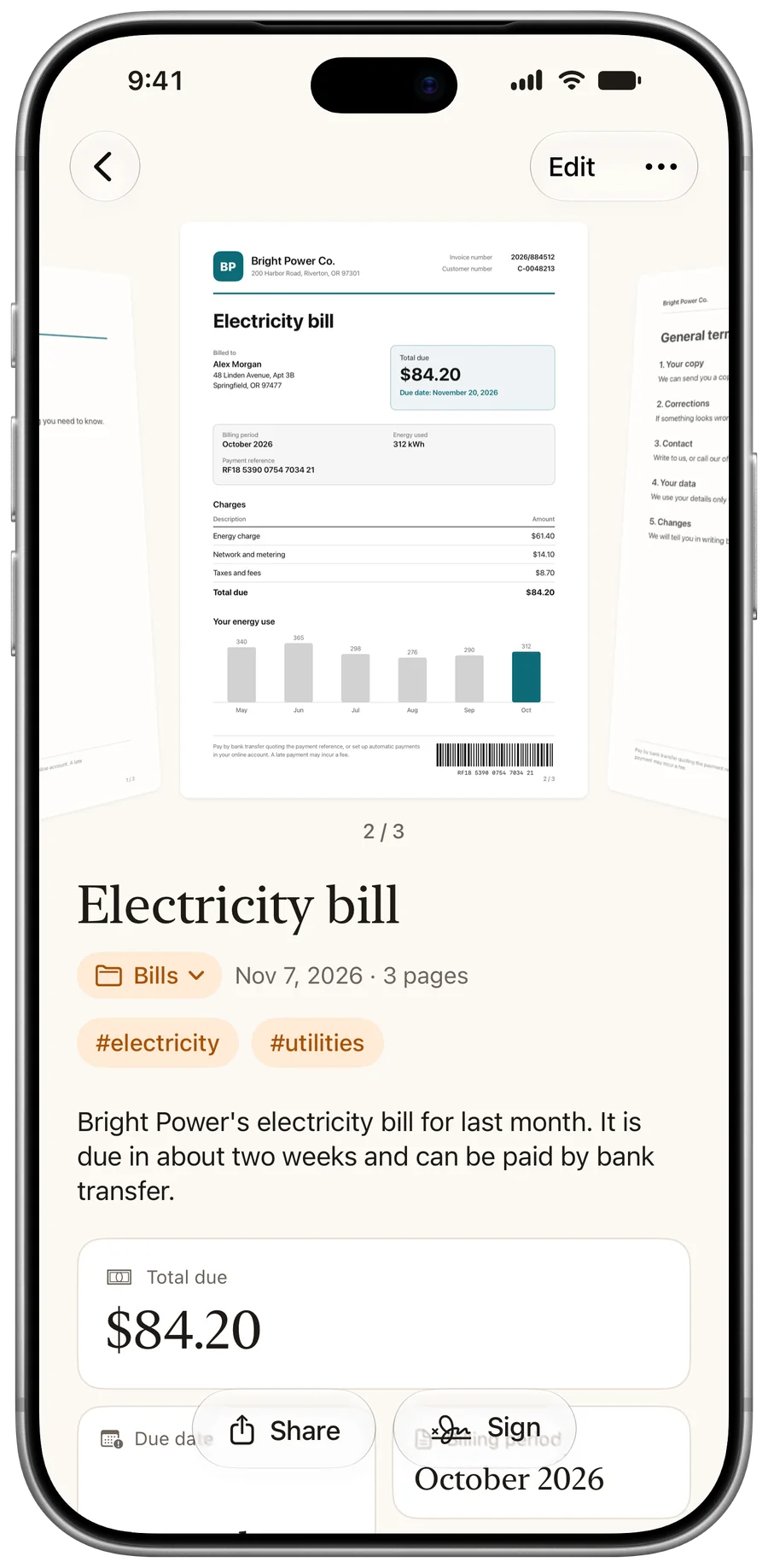
Each document gets a short summary. Amounts, deadlines and codes become cards you can copy or add to your calendar.
 PaginaScan
Frame a page. PaginaScan straightens it, names it, files it as a PDF and pulls out what matters. No account needed.
Download on the App Store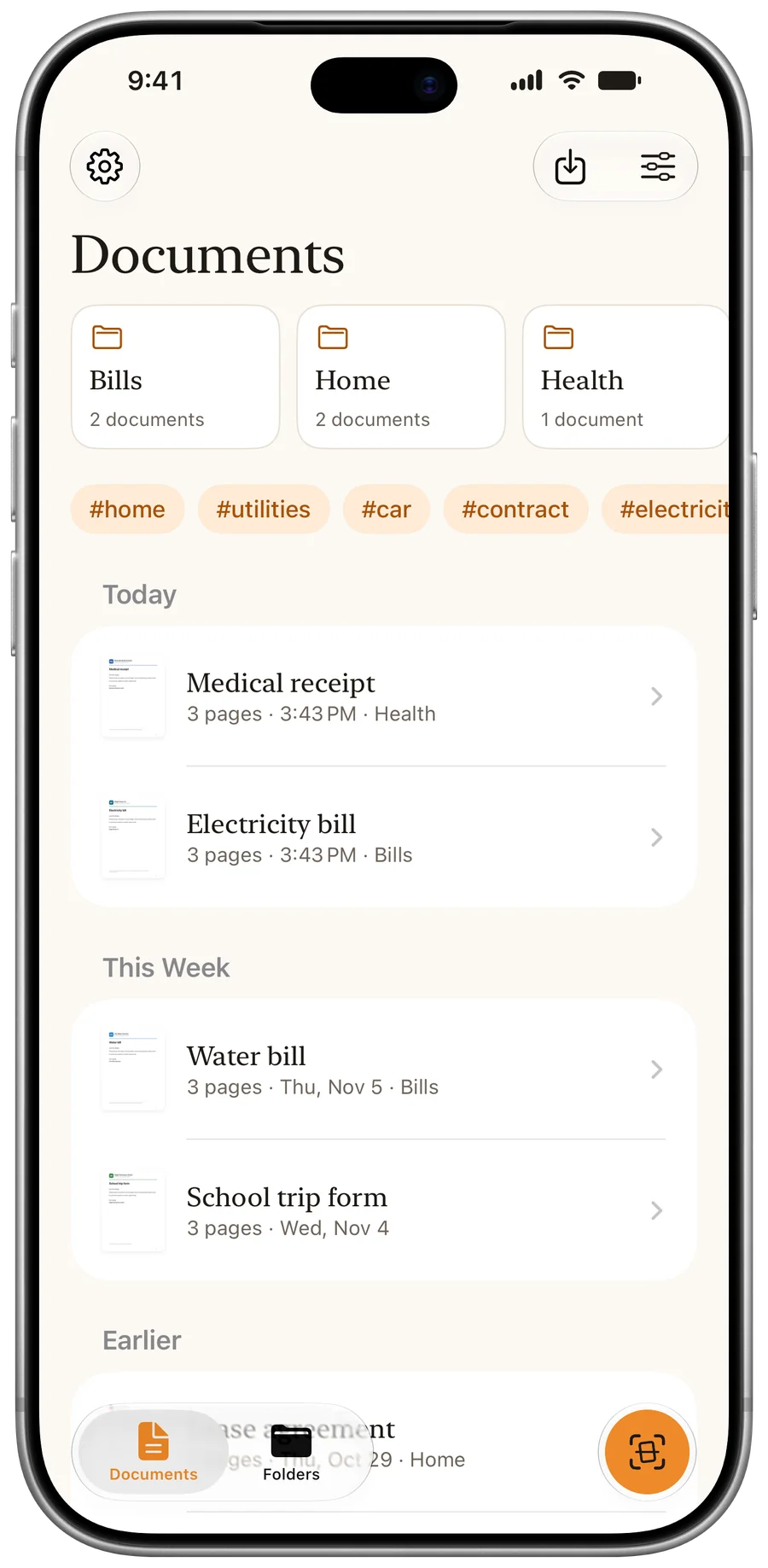
Free to download
Scanning, text and search included.
iPhone and iPad
On iOS 26 or later.
No account
Nothing to sign up for.
No ads or tracking
Your papers stay yours.
PaginaScan is a private document scanner for iPhone and iPad (iOS 26 and later) by MNCS Technologies, listed on the App Store as Pagina: Private PDF AI Scanner. It scans paper with the camera, or imports PDFs and images, and saves each document as one PDF. It reads the text on the device, suggests a name, a folder and the date, writes a short summary and pulls out amounts, deadlines and reference numbers. Documents sync through your own iCloud account and are backed up automatically. Scanning, text recognition and search are free. PaginaScan Pro adds unlimited folders, signing, folder sharing and alternate app icons, from £0.99 a month or £24.99 once. There is no account, no advertising and no tracking.
Totals and due dates, ready for your calendar.
Searchable, with the amount pulled out.
Many pages, one PDF, in order.
Sign and send them back, no printer.
Insurance, warranties, medical records.
Handouts and notes you can search.
Each document gets a short summary. Amounts, deadlines and codes become cards you can copy or add to your calendar.
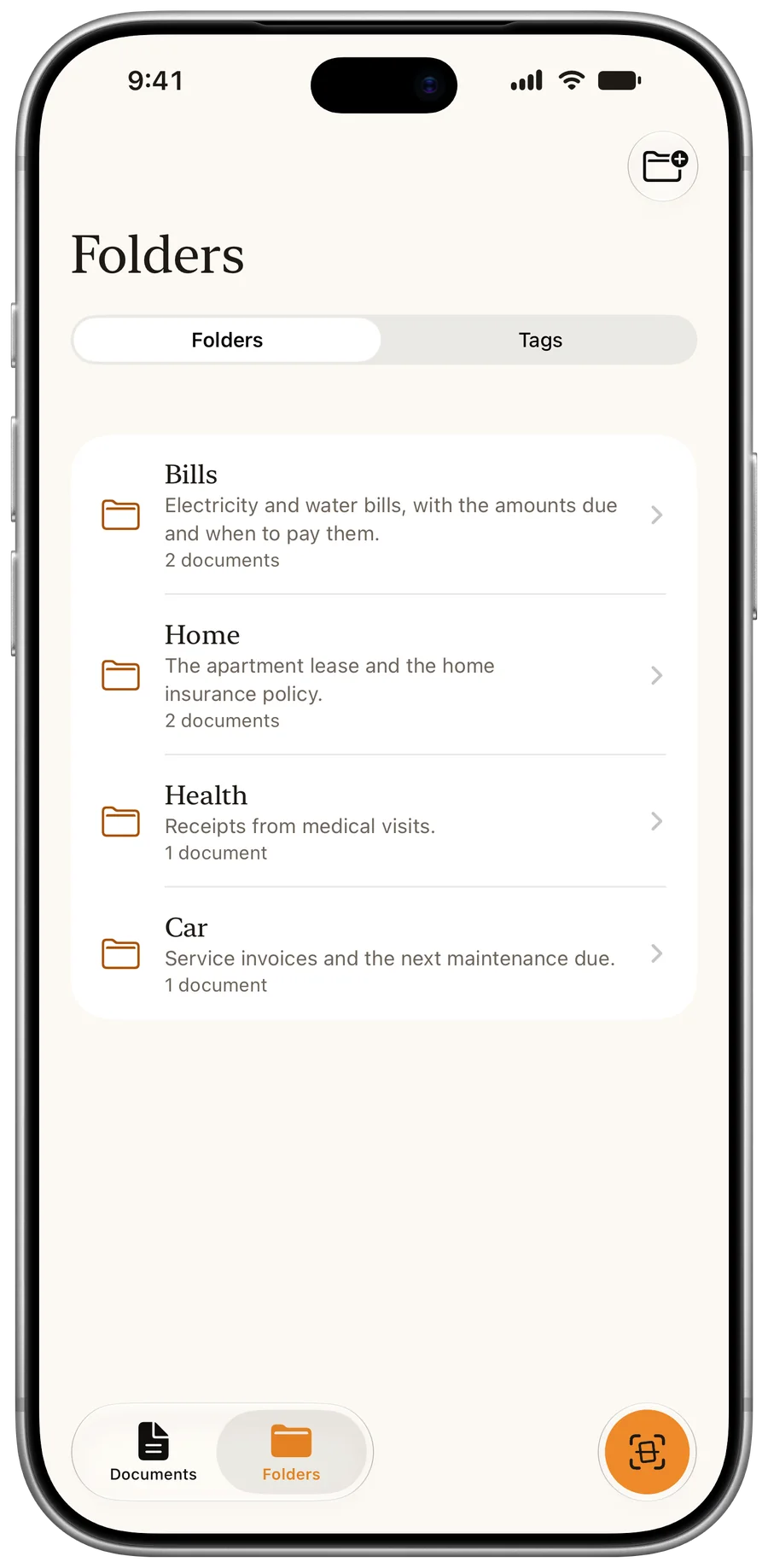
Folders that say what is inside, and tags to find things again. You keep the final say.
Reorder, rotate or remove pages, before saving or later. Imported PDFs keep their quality and their text.
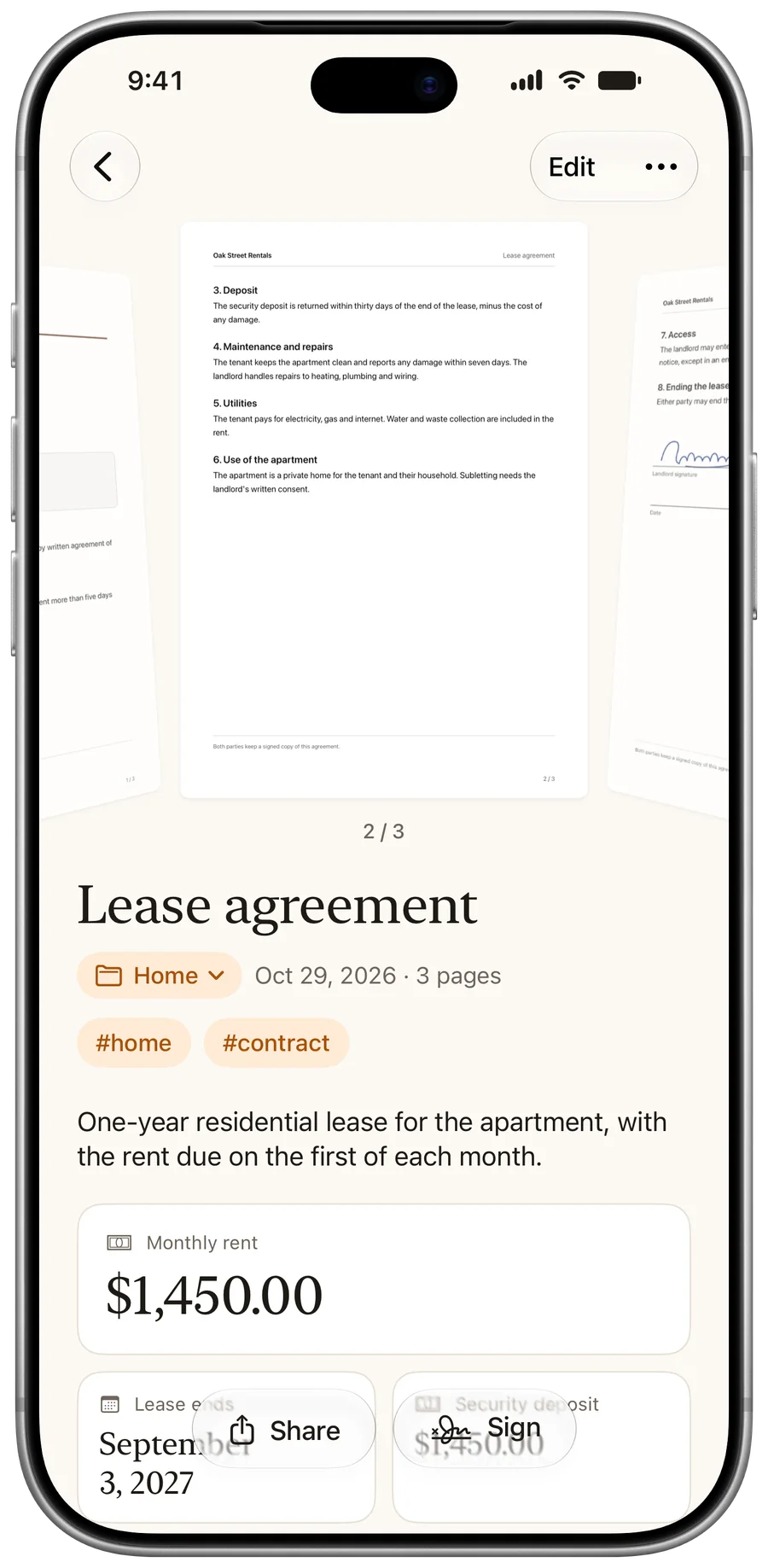
With Pro, draw your signature once, then place it on any page. It's a drawn signature, not a certified digital one.
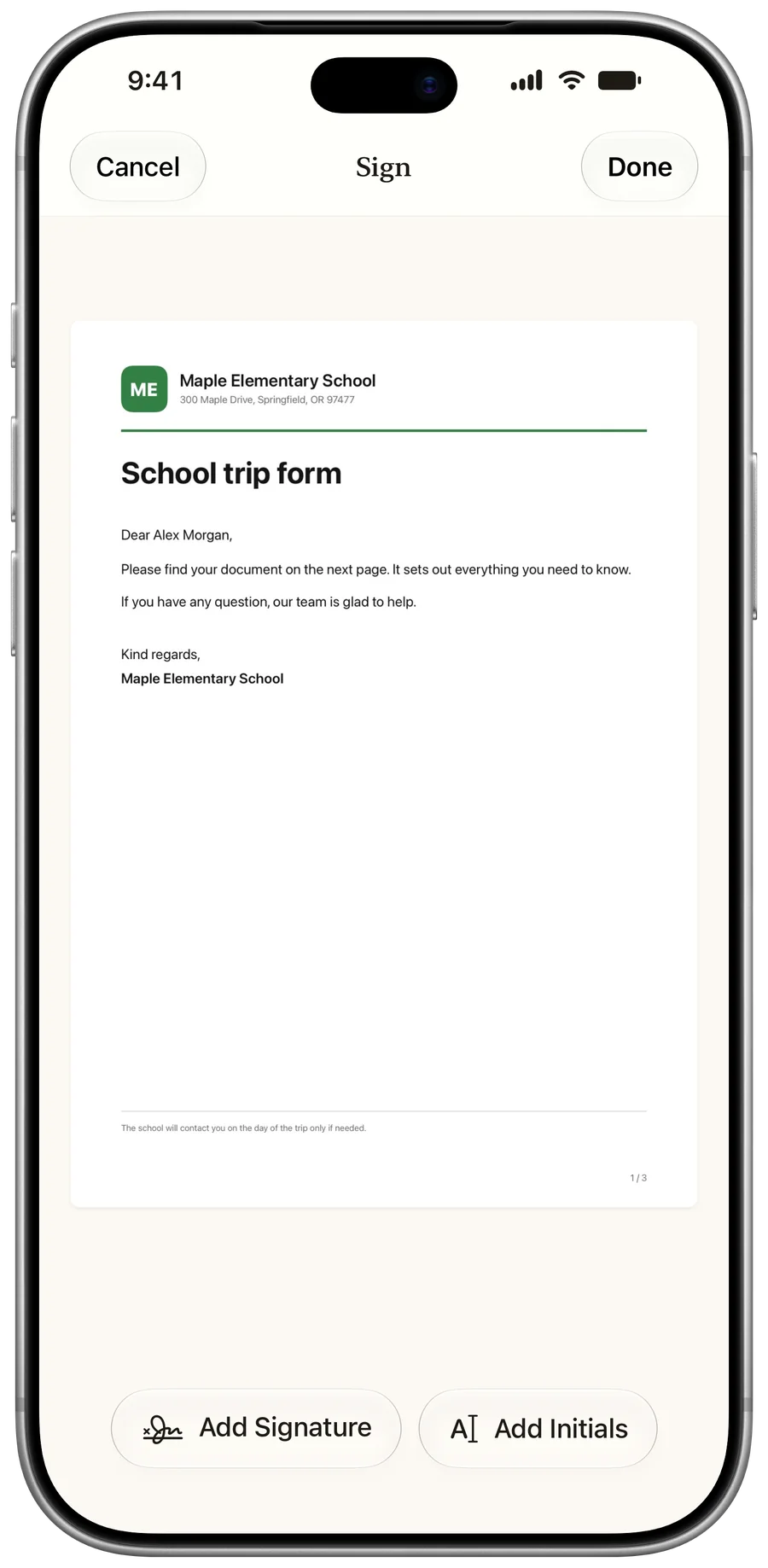
With Pro, share a folder over iCloud with the people you choose, read-only or with editing. They don't need Pro.
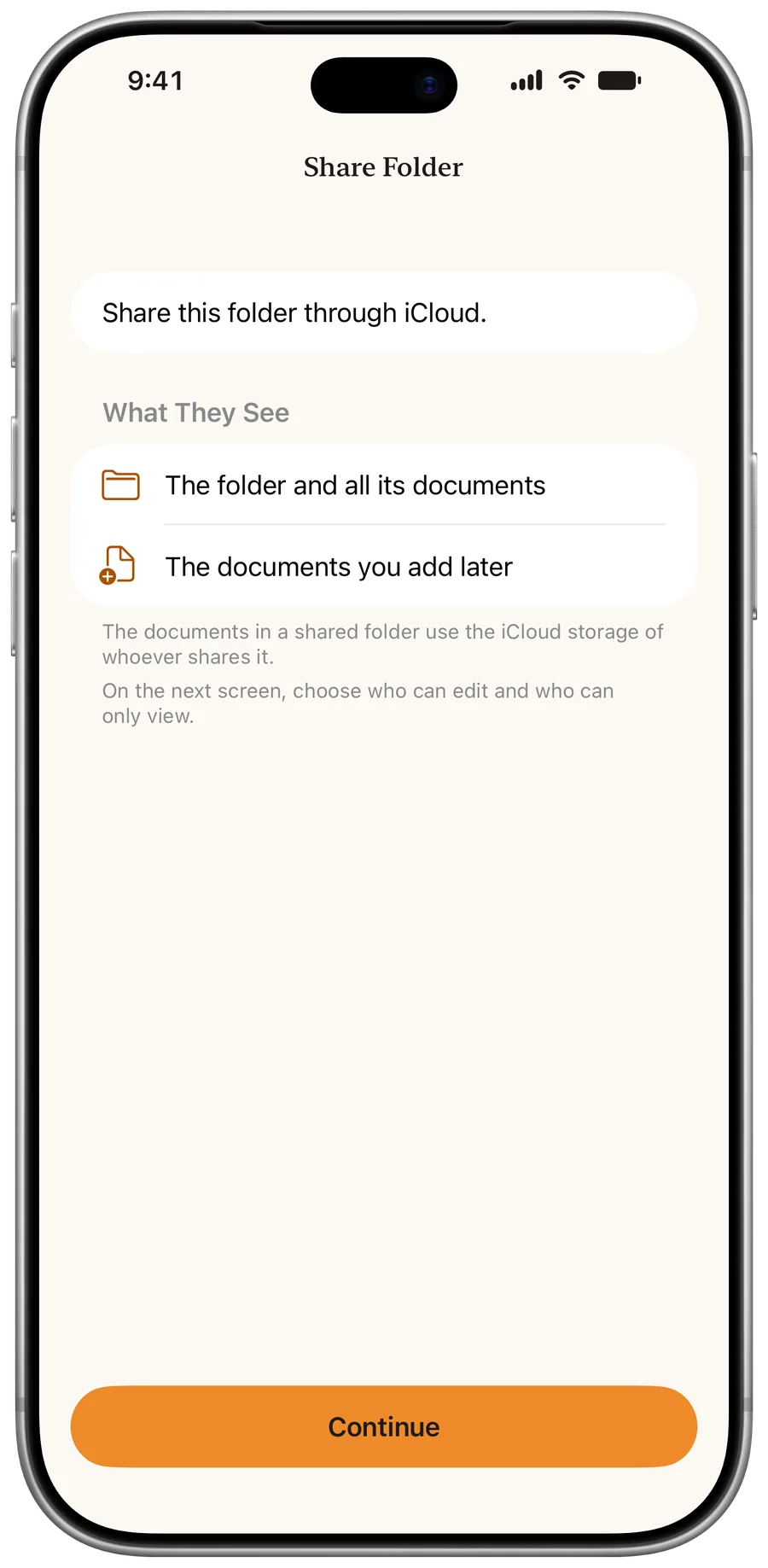
Text recognition (OCR) reads every page on your device. It's free, and search looks inside each document.
Your documents sync across your iPhone and iPad, and automatic backups let you restore them.
Import PDFs and images from the Files app. They are read like a scan.
For a page now and then, yes. Apple's Notes and Files apps scan to PDF for free, with nothing to install. PaginaScan is for keeping paper in order: every document gets a name, a folder and a summary, and its amounts and deadlines become cards. Its text is searchable, and you can share a whole folder.
You. No one else, not even us.
No account, no ads, no tracking. We run no server that receives your documents.
How PaginaScan keeps your scans privateRead the privacy policy
Each app is good at something. This table shows what each maker states on its own pages, so you can pick what fits how you work. Where PaginaScan does less, it says so.
| Feature | PaginaScan | Apple Notes | Adobe Scan | Genius Scan | QuickScan |
|---|---|---|---|---|---|
| Price | Free; Pro £0.99 a month, £8.99 a year, or £24.99 once | Free | Free; Plus from $4.99 a month | Free; Ultra $39.99 a year | Free for personal use; professional use needs VIP or Enterprise |
| Text recognition | Free | Included | Free on short scans; more with Premium | With Ultra | Free |
| Searchable PDF export | No | Not stated | Yes | With Ultra | Free |
| Signing | Pro | Free | In Acrobat Reader | Separate app | Free |
| Name suggestions | Yes, with Apple Intelligence | Not stated | Yes | With Ultra | Yes |
| Folder suggestion among yours | Yes, with Apple Intelligence | Not stated | Not stated | Not stated | Not stated |
| Amounts and dates as cards | Yes, with Apple Intelligence | Not stated | Not stated | Not stated | Not stated |
| Sync | Your iCloud | Your iCloud | Adobe Document Cloud | Genius Cloud with Ultra | Export to your clouds; sync not stated |
| App Store privacy label | Data Not Collected | Data linked to you | Data used to track you and linked to you | Data linked to you | Data Not Collected |
| Platforms | iPhone, iPad | iPhone, iPad, Mac | iPhone, iPad, Android, web | iPhone, iPad, Android, web for Genius Cloud | iPhone, iPad |
| App Store rating | No ratings yet | 4.8 | 4.9 | 4.9 | 4.9 |
"Not stated" means the pages read do not say, not that the feature is missing. PaginaScan is our app. Other names are trademarks of their owners, and PaginaScan is not affiliated with them.
Sources: Apple Notes, Adobe Scan, Genius Scan, QuickScan, read 7 November 2026.
It's free to download, with no ads. Pro is a subscription with a two-week free trial, or a one-time purchase.
| Feature | Free | PaginaScan Pro |
|---|---|---|
| Scanning, text and search | Included | Included |
| Names and summaries | Included | Included |
| iCloud sync and backups | Included | Included |
| Your own folders | Up to 3 | Unlimited |
| Sign PDFs, share folders, app icons | No | Yes |
| Price | Free, no watermark | £0.99 a month, £8.99 a year, or £24.99 once |
App Store prices on 10 November 2026. They vary by country.
Yes, to download. Scanning, text recognition, search, names, summaries and iCloud sync are free, with up to 3 folders of your own. PaginaScan Pro costs £0.99 a month, £8.99 a year, or £24.99 once. Monthly and annual plans can start with a two-week free trial.
No. The free version has no time limit and adds no watermark. If you want Pro, you can pay once instead of subscribing.
No. PaginaScan uses the iCloud account already on your iPhone, and works without it too.
On your device and, with iCloud sync on, in your own private iCloud database. We have no copy of them. See where your scans go and who can read them.
Yes. Scanning and text recognition run on your device. Without a connection, the name and summary are written on the device when its model is available.
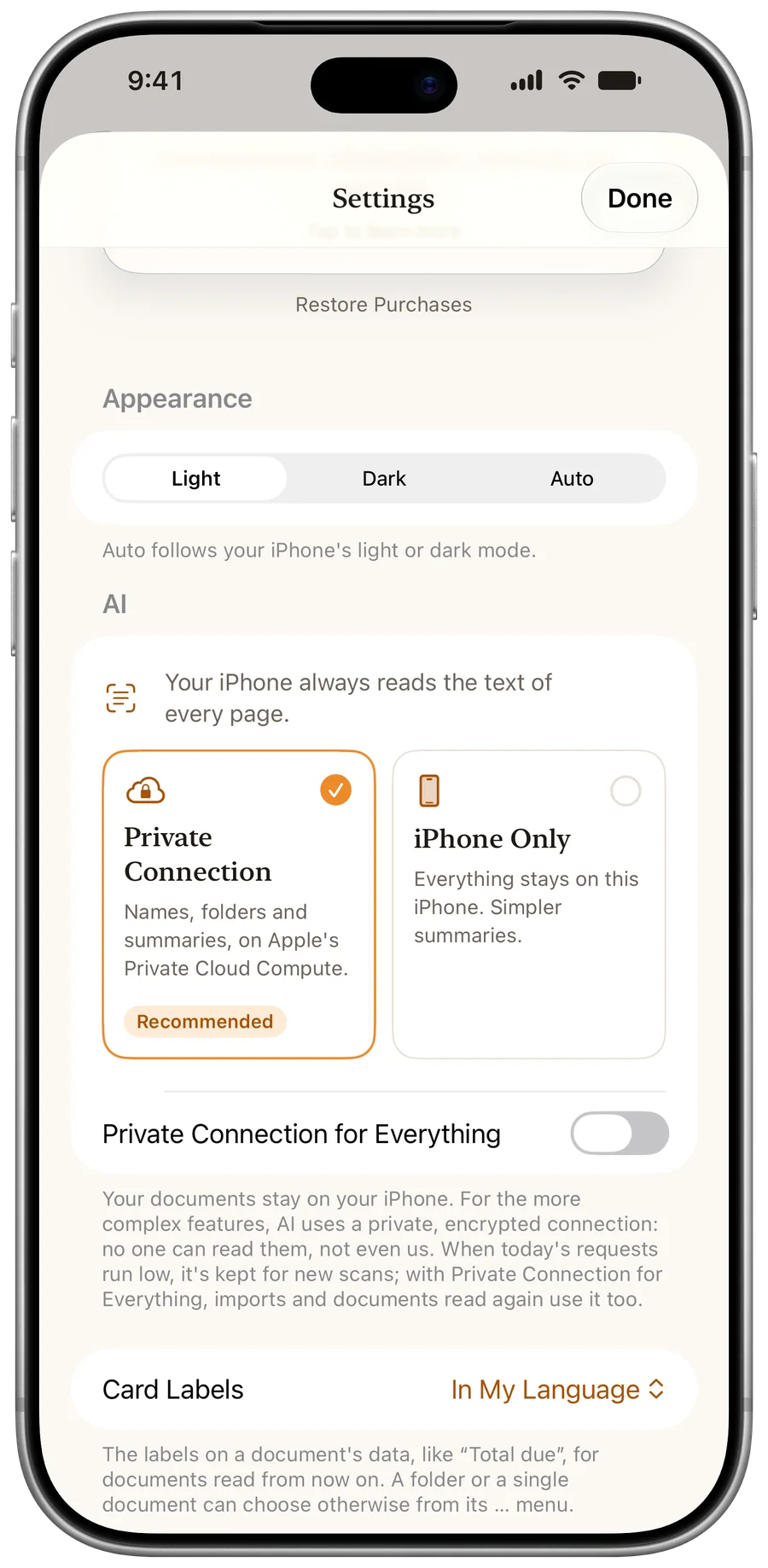
iPhone and iPad with iOS 26 or later. Suggestions and summaries need a device with Apple Intelligence, and the private connection needs iOS 27. Without them, scanning, folders and search work just the same.
English, Italian, German, Spanish, French, Japanese, Korean, Dutch, Brazilian Portuguese and Simplified Chinese.
No. It's a drawn signature, placed on the page as an image. It isn't a certified digital signature. See how to sign a document in PaginaScan.
PaginaScan is made by Samuele Mancuso at MNCS Technologies, in Italy. Something not working, or an idea? Write to us from the app, we read every message.
Every sheet, in its place.
Free to download. No account, no ads, no tracking.
Download on the App Store